bdt44 App – Download APK for Android
The official bdt44 App brings cricket betting, live casino, slots and crash games to your phone. Deposit with bKash or Nagad, withdraw in minutes — no browser needed. Free to download, works on Android 7.0 and above.
bdt44.apk · v3.8.3 · 32 MB · Android 7.0+
What the bdt44 App Gives You
Live Cricket Betting
Bet on BPL, IPL, T20 and ODI matches ball-by-ball as the action happens. Odds update in real time. Use bKash to top up and place your first bet in under two minutes from your phone.
Live Casino Tables
Join Baccarat, Roulette and Teen Patti tables hosted by live dealers from Evolution and Sexy Gaming studios. HD streams load smoothly on 4G. Minimum bet starts at ৳1 on most tables.
Slots & Crash Games
Over 4,000 titles from CQ9, FA Chai, Red Tiger, Playtech and more. Crash games let you cash out at any multiplier. Filter by provider or RTP to find your game fast.
bKash & Nagad Payments
Deposit with bKash, Nagad, Rocket or bank transfer directly inside the app. Minimum deposit ৳500, funds arrive in about 2 minutes. Withdrawals process in roughly 5 minutes — no third-party browser needed.
Push Notifications
Enable notifications to get match start alerts, score updates and bonus reminders. You can choose which sports and promotions to follow in Settings. Never miss a Bangladesh fixture or a flash reload offer again.
Secure & Private
All data is encrypted with 256-bit SSL. The bdt44 App does not share your bKash number or personal details with advertisers. Biometric login (fingerprint) is supported on compatible Android devices.
Download & Version Information
Current Release — bdt44 App v3.8.3
| Version | 3.8.3 |
|---|---|
| File Size | 32 MB |
| Minimum Android | Android 7.0 (Nougat) or higher |
| Last Updated | 2 November 2026 |
| Price | Free |
| Languages | English, Bangla |
| File Name | bdt44.apk |
| Platform | Android APK (direct download) |
After installing the app, you need a bdt44 account to log in.
The bdt44 App is not on the Google Play Store. Download directly from this page. The APK is scanned and verified before each release.
How to Install the bdt44 APK on Android
Android blocks apps from unknown sources by default. Follow these five steps — it takes under three minutes on any Android 7.0+ phone.
-
1
Allow Unknown Sources
Go to Settings → Security (or Privacy on some phones) and enable "Install Unknown Apps" for your browser or file manager. On Android 8+, the system asks you once per app installer — just tap Allow when prompted.
-
2
Download bdt44.apk
Tap the Download APK button on this page. Your browser will save bdt44.apk (32 MB) to your Downloads folder. Keep your screen on until the download bar shows 100%. A stable Wi-Fi or 4G connection is recommended.
-
3
Open the APK File
Open your phone's Files or Downloads app, find bdt44.apk and tap it. Android will show an install screen listing the app permissions. Review them, then tap Install. The process takes about 15 seconds.
-
4
Launch the App
Once installed, tap Open or find the bdt44 icon on your home screen. The app opens to the lobby. If you see a Play Protect warning, tap "Install Anyway" — this is standard for APKs outside the Play Store.
-
5
Log In or Register
Enter your bdt44 username and password to log in, or tap Register to open a new account in under two minutes. New members get the welcome bonus automatically applied to their first deposit of ৳500 or more.
iOS Users – Add bdt44 to Your Home Screen
There is no iOS app in the App Store. iPhone and iPad users can pin the bdt44 website as a Progressive Web App (PWA) for a near-native experience.
-
1
Open Safari
Visit bdt44.co in Safari (not Chrome on iOS — the Add to Home Screen option only works in Safari). Make sure you are logged in or on the home page.
-
2
Tap the Share Icon
Tap the Share button (the box with an arrow pointing up) at the bottom of the Safari toolbar. Scroll down the share sheet until you see "Add to Home Screen".
-
3
Confirm the Name
Edit the shortcut name to bdt44 if you like, then tap Add in the top right corner. The bdt44 icon appears on your home screen immediately.
-
4
Launch from Home Screen
Tap the bdt44 icon. The site opens full-screen without the browser bar, giving a clean app-like experience. All features — betting, live casino, deposits — work exactly as on the full site.
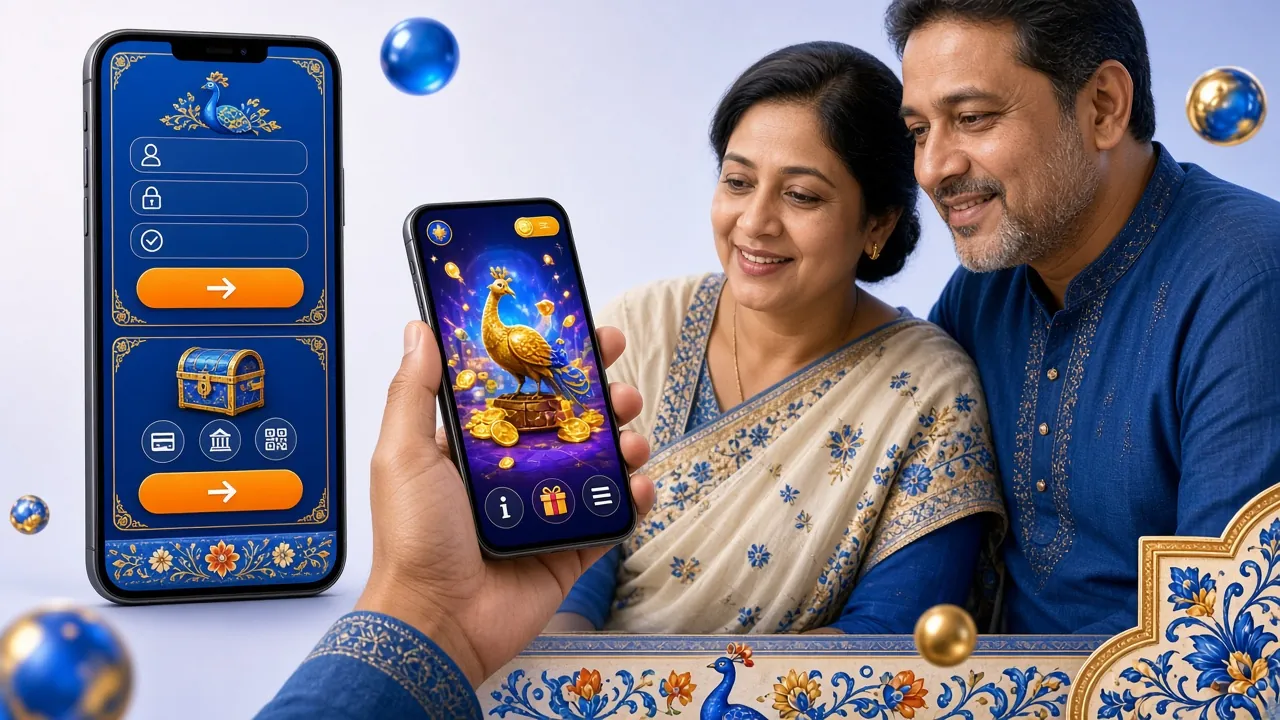
The bdt44 App PWA on iOS supports push notifications, offline caching for fast loads, and full-screen display. Performance is comparable to the Android APK on modern iPhones.
Games You Can Play in the bdt44 App
Full Casino LobbyEvery game available on the desktop site is playable in the bdt44 App. Providers are optimised for mobile — expect smooth gameplay even on mid-range Android phones.


bdt44 App vs Browser – What's the Difference?
Both the app and the website give full access to your account. Here is a side-by-side breakdown so you can choose what works best for your phone and habits.
| Feature | bdt44 App (APK) | Mobile Browser |
|---|---|---|
| Push Notifications | Yes — match alerts & bonus reminders | Not supported on most browsers |
| Load Speed | Faster — assets cached locally | Depends on connection |
| Biometric Login | Fingerprint supported | Not available |
| Full-Screen Experience | No browser bar | Browser UI takes screen space |
| Live Score Ticker | Pinned to top bar | Scrolls out of view |
| All Games Available | 4,000+ games | 4,000+ games |
| bKash / Nagad Deposits | In-app payment | Via browser |
| Bonus Redemption | One-tap claim | Available |
| Storage Required | 32 MB installation | No storage needed |
| Update Method | Download new APK from bdt44.co | Automatic (always latest) |
Security & App Permissions
The bdt44 App requests only the permissions it actually needs. Here is what the app asks for and why.
256-Bit SSL Encryption
Every request between the bdt44 App and our servers is encrypted with TLS 1.3. Your bKash number, account balance and betting history are never transmitted in plain text. The connection is the same standard used by major banks in Bangladesh.
Permissions Requested
The app asks for Internet access (required), Storage (to save the APK update), Camera (optional, for document upload during KYC) and Notifications (optional). It does not request access to your contacts, call logs or SMS messages.
APK Integrity Verified
Each bdt44.apk release is signed with a unique developer certificate. Before installing, you can verify the SHA-256 checksum listed on our Help Center page. If the file is modified or corrupted, Android will refuse the install automatically.
Account & KYC Safety
Two-factor authentication is available in Account Settings. KYC verification requires a National ID Card, Passport or Driving Licence — documents reviewed within 2 hours. Complete KYC before your first withdrawal to avoid delays. See our Withdrawal & KYC Guide for details.
Common Installation Problems & Fixes
If the APK does not install cleanly, one of these five issues is usually the cause. Work through the relevant row and the problem resolves in most cases.
| Problem | Likely Cause | Fix |
|---|---|---|
| "Install Blocked" message | Unknown sources permission not enabled for your browser or file manager app. | Go to Settings → Security → Install Unknown Apps, find your browser (e.g. Chrome) and toggle it on. Then tap the APK file again to resume installation. |
| App crashes on launch | Downloaded file is incomplete or corrupted — often caused by a dropped connection mid-download. | Delete the existing bdt44.apk from Downloads, reconnect to Wi-Fi or a strong 4G signal, then re-download from this page. Do not download via a VPN as it can throttle the transfer. |
| "Package not valid" error | An older version of bdt44 App is already installed and conflicts with the new APK signature. | Uninstall the existing bdt44 App first: Long-press the icon → Uninstall → Confirm. Then install the fresh APK. Your account data is stored server-side, so nothing is lost. |
| White screen or loading loop | The app cannot reach the bdt44 servers — usually a network issue or firewall on a work/school Wi-Fi. | Switch from Wi-Fi to mobile data (4G/5G). If bdt44.co also fails to load in your browser, contact [email protected] — our team responds 24/7 and can advise on connection settings for Bangladesh networks. |
| Play Protect warning | Google Play Protect flags APKs not distributed through the Play Store as a routine precaution. | Tap "Install Anyway". This warning appears for all APKs outside the Play Store regardless of safety. The bdt44 APK is code-signed and SHA-256 verified. You can optionally scan it with a third-party AV app before installing. |
Still having trouble? Contact [email protected] or use Live Chat inside the app — available 24/7 in English and Bangla.
Install the bdt44 App Today
Everything in one place — betting, casino, payments and account management. Optimised for the phones most popular in Bangladesh.
- Instant bKash deposits — top up in about 2 minutes, no browser redirect needed
- Live score ticker pinned to the top bar so you never lose your place mid-bet
- 4,000+ games from CQ9, Evolution, FA Chai, Playtech, Red Tiger and Sexy Gaming
- Withdrawals in ~5 minutes back to bKash or Nagad — minimum ৳500
- 24/7 Live Chat support in English and Bangla, directly inside the app
v3.8.3 · 32 MB · Android 7.0+ · Free · Updated 2 Nov 2026
Frequently Asked Questions
Is the bdt44 APK safe to install?
Why is the bdt44 App not on the Google Play Store?
How do I update the bdt44 App to the latest version?
What should I do if the app fails to install?
Is there an iPhone version of the bdt44 App?
Can I use the same account on both the app and the browser?
Does the bdt44 App work on low-end Android phones?
bdt44 is for adults aged 18 and over. If gambling stops being fun, use the deposit limits and self-exclusion tools in Account Settings, or visit our Responsible Gaming page.