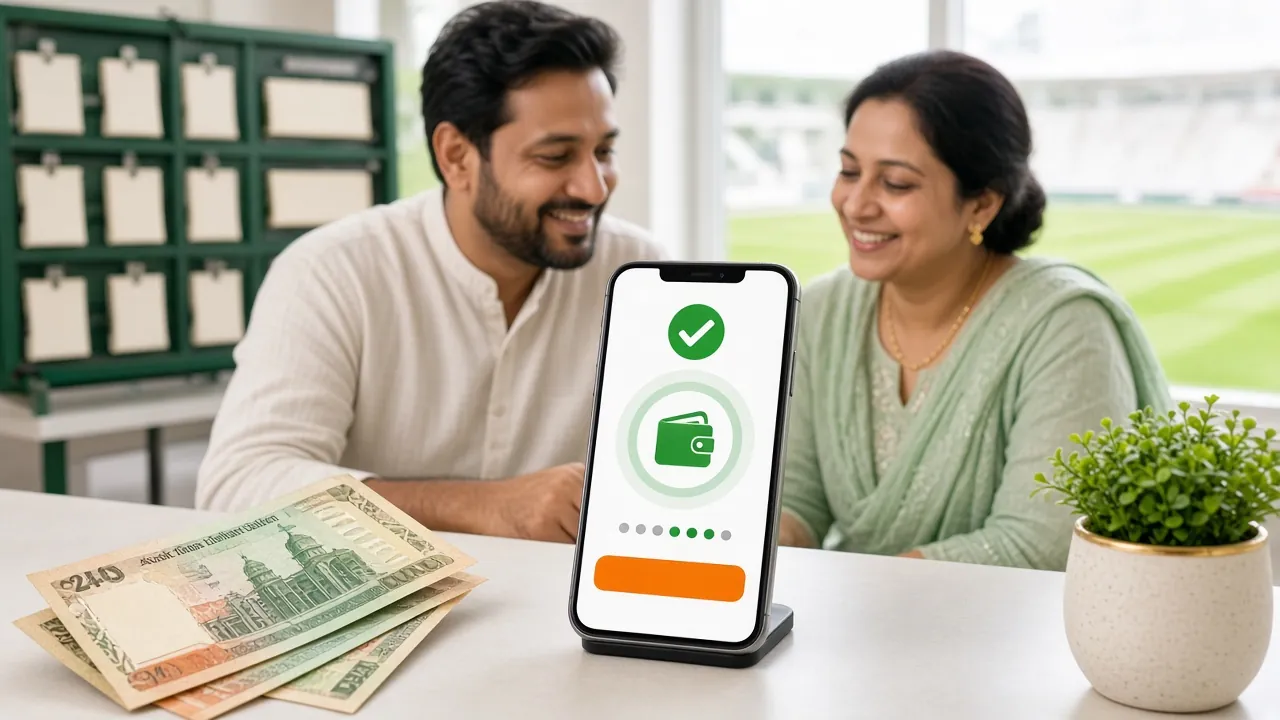
Supported Payment Methods
bdt44 accepts four deposit methods designed for Bangladesh players. All are processed instantly through a secure gateway — no waiting for manual approval on standard deposits.
- bKash Deposit arrives in under 2 minutes · Available 24/7
- Nagad Deposit arrives in under 2 minutes · Available 24/7
- Rocket Deposit arrives in under 2 minutes · Available 24/7
- Bank Transfer Processing time varies by bank · Minimum ৳500
How to Deposit via bKash
bKash — Send Money
- Log in to your bdt44 account and go to Deposit in the cashier.
- Select bKash as your payment method.
- Enter the amount you want to deposit (minimum ৳500).
- Copy the bKash merchant number shown on screen — it changes per transaction for security.
- Open your bKash app, tap Send Money, paste the number and enter the exact amount.
- Use your bKash PIN to confirm. Keep the transaction ID (TrxID) displayed on screen.
- Return to bdt44, enter the TrxID in the confirmation field and tap Submit.
- Funds appear in your bdt44 wallet within 2 minutes.
How to Deposit via Nagad
Nagad — Send Money
- In your bdt44 cashier, choose Deposit then select Nagad.
- Enter the deposit amount (minimum ৳500) and confirm.
- A unique Nagad number appears — note it carefully.
- Open Nagad app, tap Send Money and enter that number plus the exact amount.
- Confirm with your Nagad PIN. Copy the TrxID from the success screen.
- Enter the TrxID back on bdt44 and submit. Balance updates within 2 minutes.
How to Deposit via Rocket
Rocket (DBBL Mobile Banking)
- Select Rocket in the bdt44 deposit section.
- Enter the amount (minimum ৳500) and click Proceed.
- Note the Rocket account number displayed on screen.
- Open your Rocket app or dial *322#, choose Send Money and enter the number and amount.
- Confirm the transaction and save your TrxID.
- Back on bdt44, submit the TrxID to complete the deposit.
How to Deposit via Bank Transfer
Bank Transfer
Bank transfers take longer than mobile banking methods. Use this if you prefer internet banking or need to deposit a larger sum.
- Choose Bank Transfer in the bdt44 cashier and enter the amount (minimum ৳500).
- bdt44 will display the bank account details and a unique reference code.
- Log in to your online banking portal and initiate a transfer to that account, using the reference code as the payment note.
- After sending, upload the transaction receipt or enter the reference number in bdt44.
- Your balance will be updated once the transfer is confirmed — processing time depends on your bank.
Quick Deposit Walkthrough
New to bdt44? Here is the full journey from sign-up to funded account in four steps.
-
1
Create Your Account
Register at bdt44 in under 3 minutes. You need a mobile number and a password.
-
2
Open the Cashier
After logging in, tap Deposit in the top menu or your account dashboard.
-
3
Pick a Method & Amount
Choose bKash, Nagad, Rocket or Bank Transfer and enter at least ৳500.
-
4
Confirm & Play
Complete payment in your mobile banking app and submit the TrxID. Done.
Failed Deposit? Common Causes & Fixes
Most deposit problems are caused by one of the issues below. Check this list before contacting support.
| Issue | Likely Cause | What to Do |
|---|---|---|
| Balance not credited after 2 minutes | TrxID not submitted or typo in TrxID | Re-check the TrxID and resubmit in the cashier |
| Transaction declined by bKash/Nagad | Daily send limit reached on your wallet | Use a different payment method or try tomorrow |
| Wrong amount sent | Amount typed in bKash does not match bdt44 request | Contact live chat immediately with TrxID and screenshot |
| Merchant number expired | Too much time passed between viewing and paying | Start a new deposit request to get a fresh number |
| Deposit below minimum | Amount less than ৳500 | Top up to at least ৳500 and retry |
If none of these apply, contact [email protected] or open the 24/7 live chat with your TrxID ready.
Your First Deposit Bonus
Frequently Asked Questions
What is the minimum deposit at bdt44?
How long does a bKash deposit take to arrive?
Can I use someone else's bKash number to deposit?
Is there a deposit fee?
What happens if I enter the wrong amount?
Can I deposit using the bdt44 mobile app?
Does depositing qualify me for the reload bonus?
What is KYC and when do I need it?
Ready to Make Your First Deposit?
Register now, fund your account with ৳500 and collect your 200% welcome bonus up to ৳5,000.
Related Guides