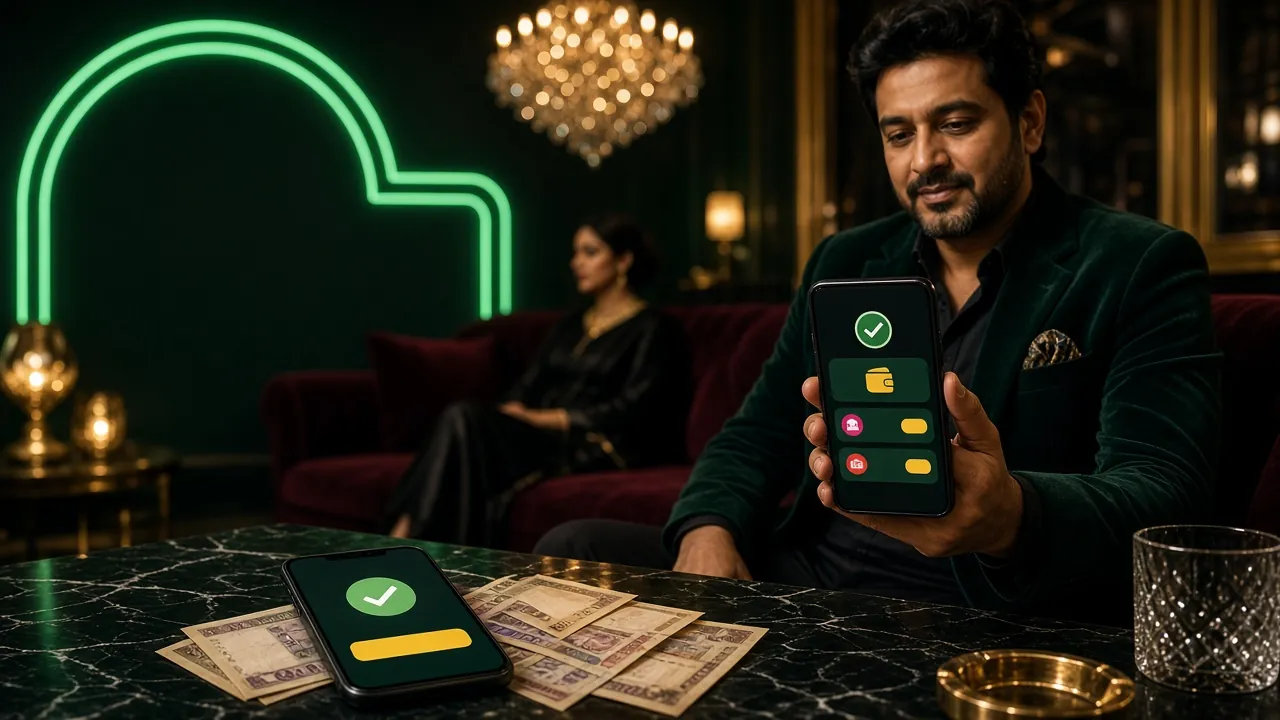
How to Withdraw from bdt44
Withdrawing money from bdt44 takes only a few taps once your KYC is approved. The process is the same whether you use bKash, Nagad, Rocket or Bank Transfer — just make sure the mobile number on your bdt44 account matches the one registered to your mobile wallet.
-
1
Log In & Open Cashier
Go to bdt44 login, then tap Cashier → Withdraw in the top menu.
-
2
Choose Method & Amount
Select bKash, Nagad, Rocket or Bank Transfer. Enter an amount between ৳500 and your daily limit.
-
3
Confirm & Receive
Double-check the wallet number, tap Confirm. Funds arrive within approximately 5 minutes.
First-time withdrawals may take up to 2 hours while the bdt44 compliance team runs an initial account check. Subsequent withdrawals are faster.
Limits & Processing Times
All amounts are in Bangladeshi Taka (৳). Limits are per calendar day and reset at midnight UTC+06.
| Type | Minimum | Daily Maximum | Approx. Time |
|---|---|---|---|
| Standard (Bronze/Silver) | ৳500 | ৳1,00,000 | ~5 min |
| Gold VIP | ৳500 | ৳2,00,000 | ~5 min |
| Platinum VIP | ৳500 | ৳4,00,000 | ~5 min |
| Diamond VIP | ৳500 | ৳8,00,000 | ~5 min |
| First-time withdrawal (any tier) | ৳500 | Per-tier daily limit | Up to 2 hrs |
Payment Methods
bdt44 supports the four most popular payment options in Bangladesh. Deposits clear within 2 minutes; withdrawals within approximately 5 minutes.
- bKash Deposit: ~2 min | Withdrawal: ~5 min
- Nagad Deposit: ~2 min | Withdrawal: ~5 min
- Rocket Deposit: ~2 min | Withdrawal: ~5 min
- Bank Transfer Deposit: ~2 min | Withdrawal: ~5 min (banking hours may extend this)
The mobile number linked to your bKash or Nagad account must match the number you registered with bdt44. Mismatched numbers are the most common reason for withdrawal delays.
KYC Verification — What It Is & Why It Matters
KYC (Know Your Customer) is a one-time identity check that bdt44 requires before your first withdrawal. It protects your account from fraud and ensures funds go to the right person. Once approved, you won't need to do it again unless your details change.
Accepted Documents
- National ID Card (NID)
- Passport
- Driving Licence
Photo Requirements
- All four corners of the document visible in the frame
- Text and photo on the document clearly legible — no blur
- No glare, no shadows covering the document face
- Selfie holding the document: face and document both fully visible
- File format: JPG or PNG, under 5 MB each
Privacy & Data Use
bdt44 stores KYC documents using SSL encryption. Your data is used solely for identity verification and is never sold to third parties. See the Privacy Policy for full details.
KYC Submission Steps
-
1
Go to Verification
Log in, open My Account → Verification. You'll see a checklist of required documents.
-
2
Upload Documents
Upload a clear photo of your NID (front & back), passport, or driving licence. Then upload the selfie holding the document.
-
3
Wait for Review
The bdt44 compliance team reviews submissions within 2 hours. You'll get an email or in-app notification when done.
-
4
Withdraw Freely
Once approved, you can withdraw to bKash or any supported method any time. No repeat verification needed.
Why Withdrawals Get Rejected
Most rejections are easy to fix. Here are the common causes and what to do:
- Unmet wagering requirement — Welcome bonus funds carry a ×10 playthrough. Check your bonus balance before withdrawing.
- KYC not completed — Your first withdrawal is always held until identity documents are approved. Submit KYC early.
- Mobile number mismatch — The bKash or Nagad number must exactly match the one on your bdt44 account. Update it in Account Settings.
- Amount below minimum — Requests under ৳500 are automatically declined. Increase the amount and resubmit.
- Daily limit exceeded — You've hit your tier's daily cap. Split large withdrawals across days or reach a higher VIP tier.
If your withdrawal is stuck after 30 minutes, contact support via 24/7 Live Chat or email [email protected]. Have your transaction ID ready.